Flashing Orange LED
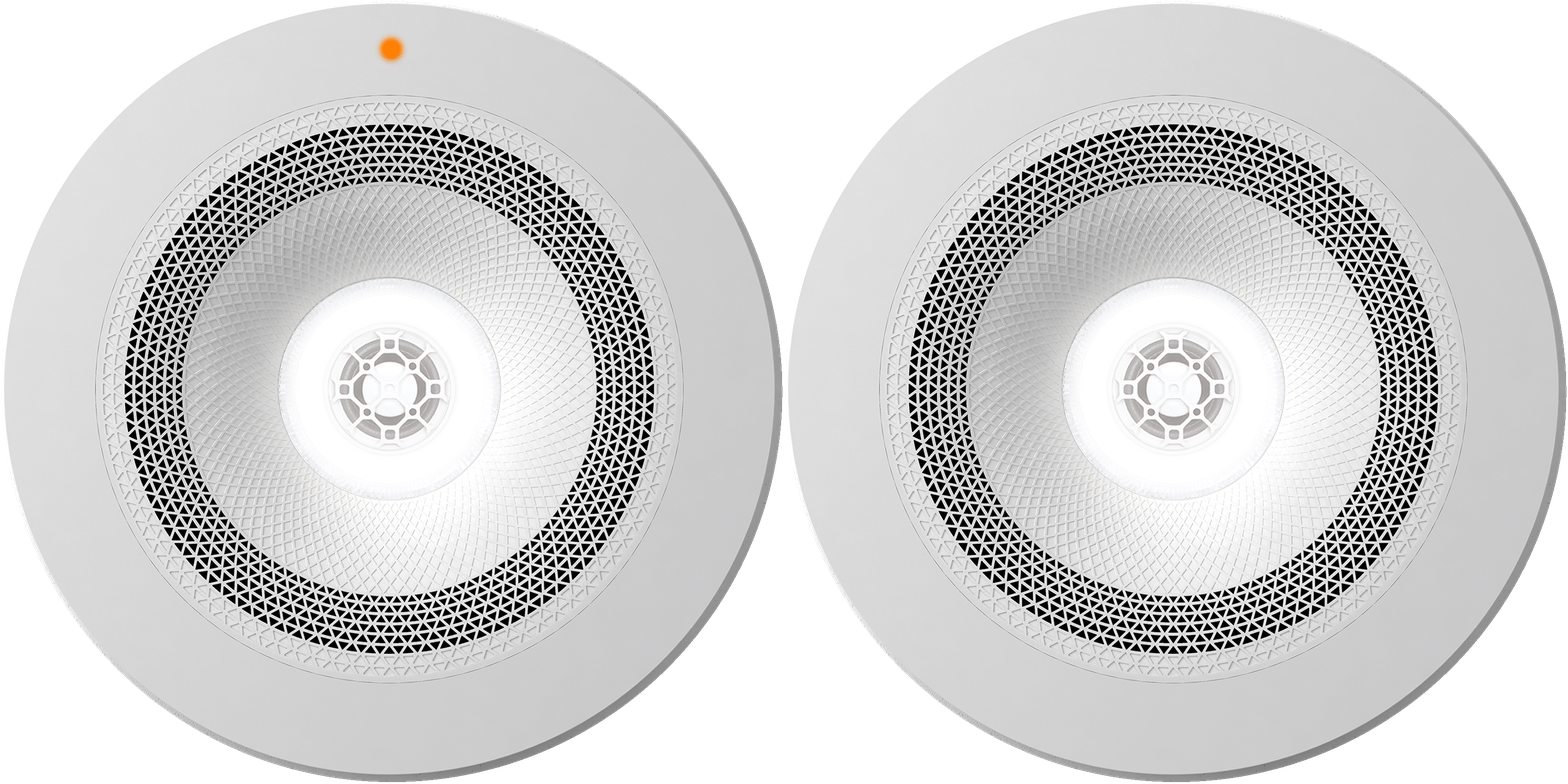
A flashing orange LED indicates that your Zuma is attempting to connect to your network and trying to obtain an IP address.
There are a couple of reasons that this can happen, we would recommend initially checking that your home network is all OK and possibly if you have additional WiFi extenders or a repeater on the same network.
----
Flashing Purple LED
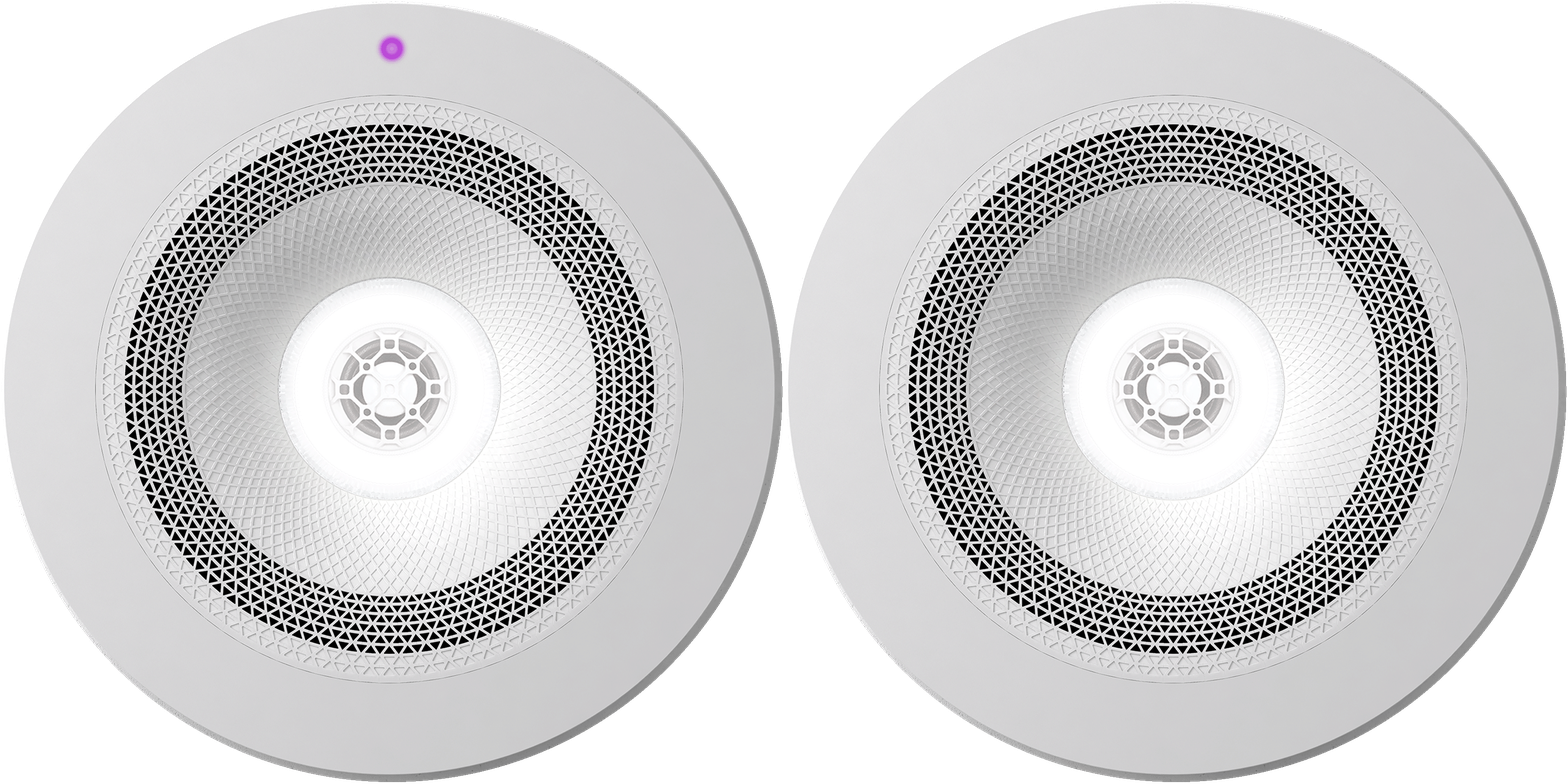
A flashing purple LED indicates that your Zuma is now ready to be added to an existing or new area using the Zuma app.
Adding a Zuma within the app can be done by going into Settings and selecting the “+” icon from the Add/Configure menu.
----
Flashing Green LED
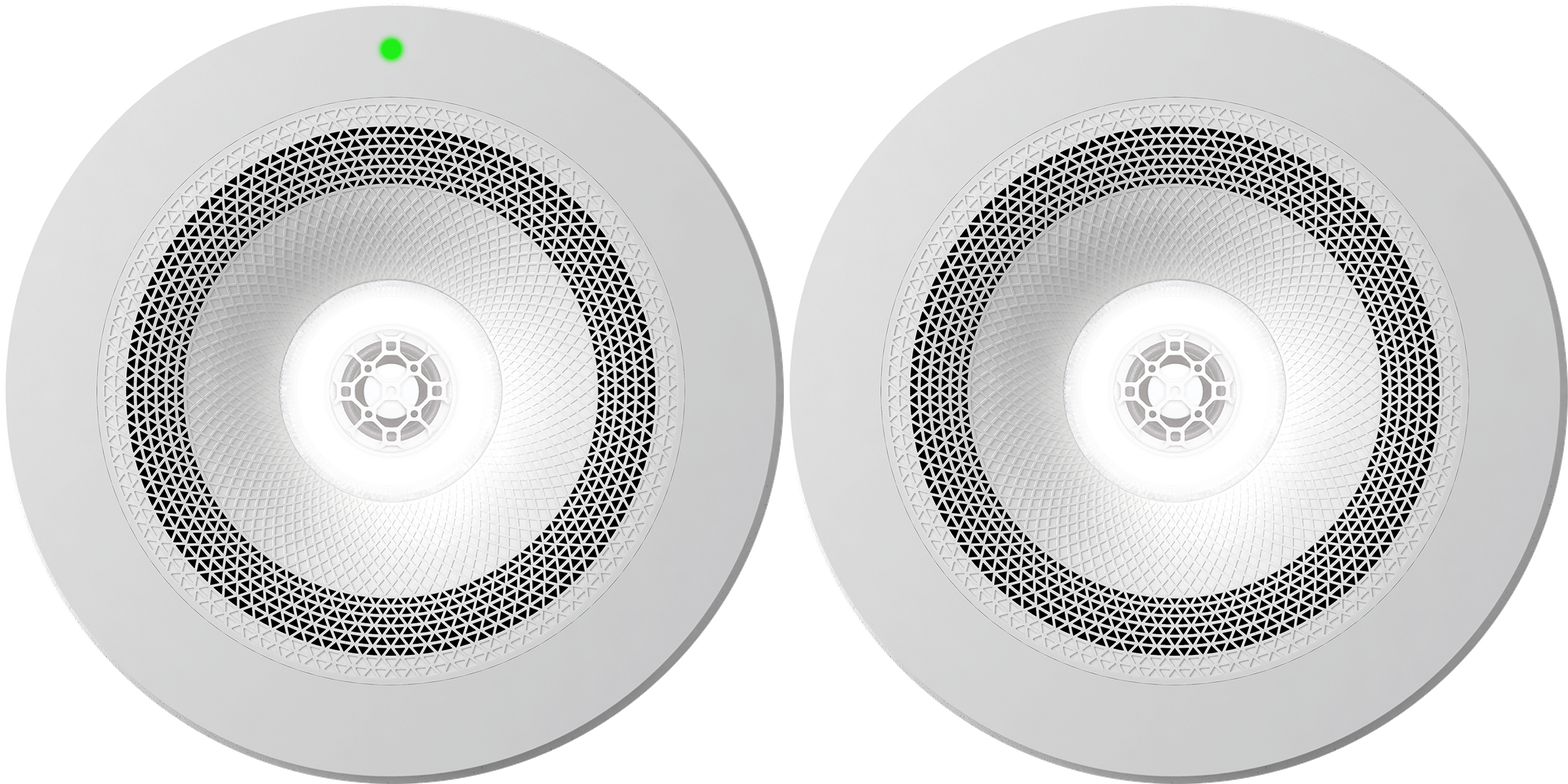
A flashing green LED indicates that your Zuma is now ready to be added to an existing or new area using the Zuma app.
Adding a Zuma within the app can be done by going into Settings and selecting the “+” icon from the Add/Configure menu.
----
Flashing Red LED
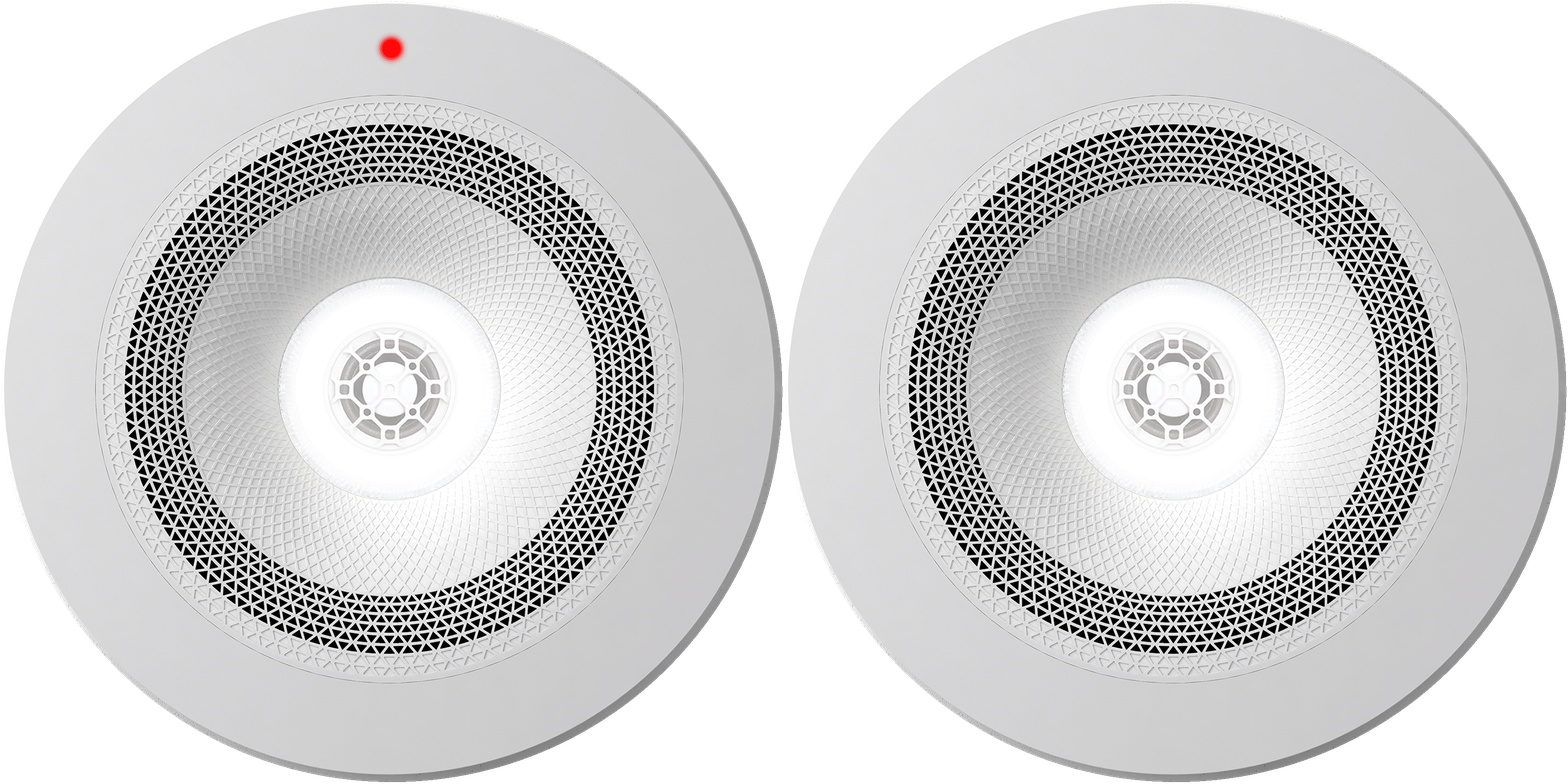
A flashing red LED indicates that your Zuma has detected a possible hardware problem.
If you are having this problem, please contact us and we will help get you back up and running.
----
Solid Blue LED
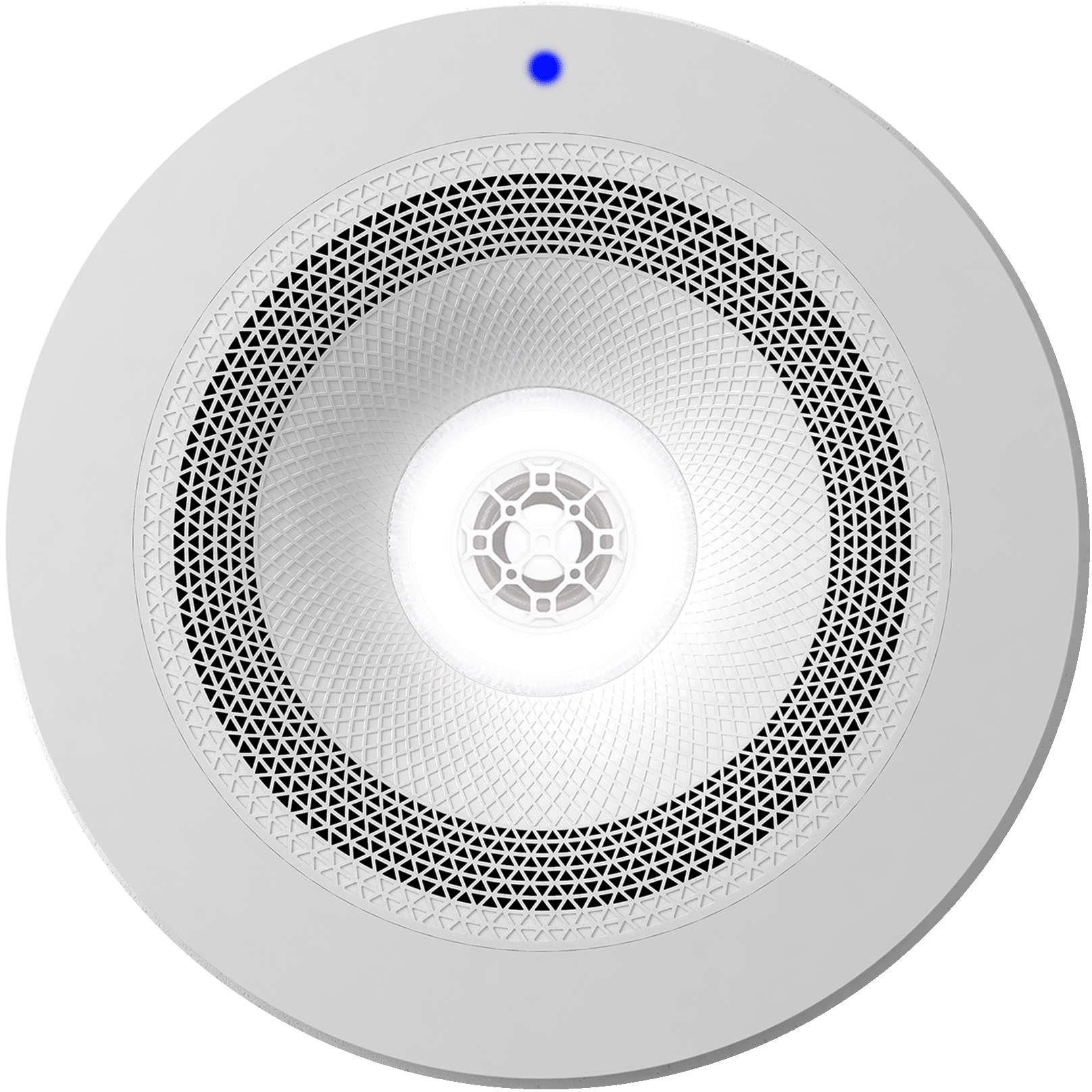
A solid blue LED indicates that a Firmware update in progress. A firmware update will take approximately 2 minutes to complete.
Once updated, your Zuma will return back an available and active state.
----
Solid Orange LED
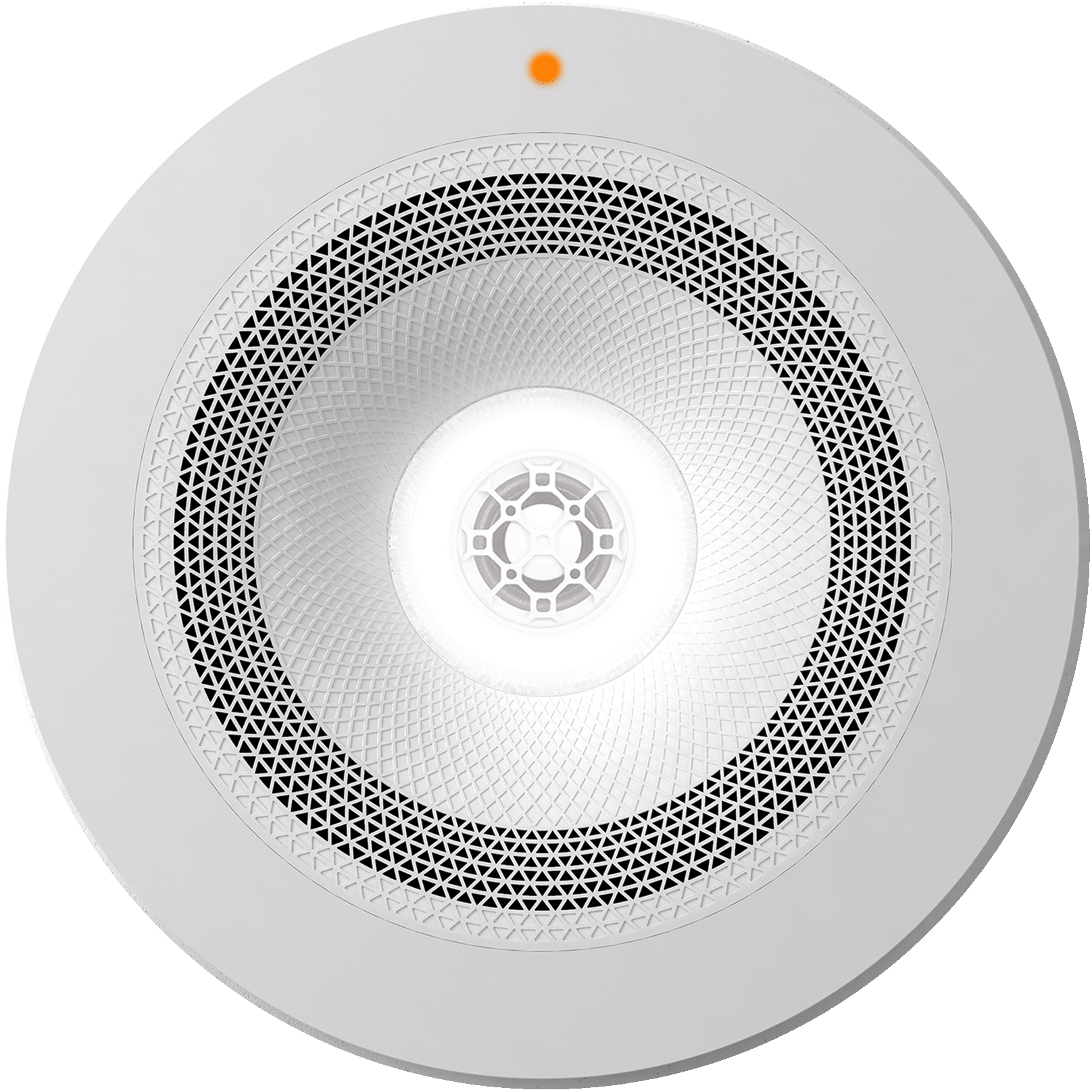
A solid orange LED indicates that your Zuma does not appear to have any stored network settings. If this is the case, we would recommend checking that your home network is all OK, then performing a Factory Reset of this device.
Once the Factory reset has been completed, you will be able to then add it again to your room using the Zuma app.
If you are still having a problem, please contact us and we will help get you back up and running.
----
Solid Purple LED
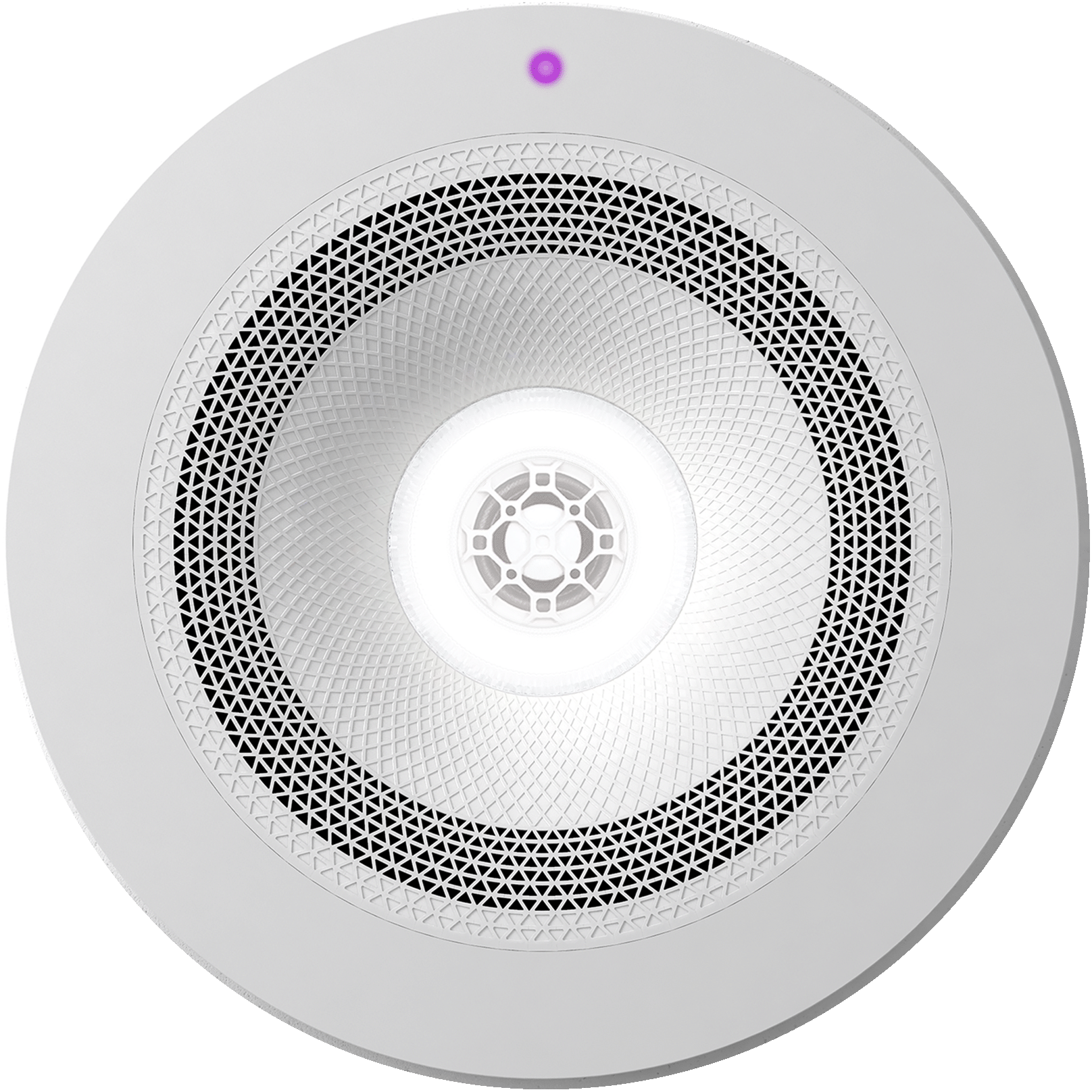
A solid purple LED indicates that your Zumas have not been able to connect to your network.
There are a couple of reasons that this can happen. We would recommend initially checking that your home network is all OK, then perform a power cycle of this Zuma area.
If you are still having a problem, please contact us and we will help get you back up and running.
------------
If you need any further assistance, please call us on 01952 984 244 (Monday - Friday 08:00-18:00) or email us at help@zuma.ai